SHOPPING & AI TRY-ON GUIDE · October 18, 2026
How to Try on Clothes Online Before You Buy
A practical way to use your own photo, a shopping shortlist and AI try-on to make better online clothing decisions.
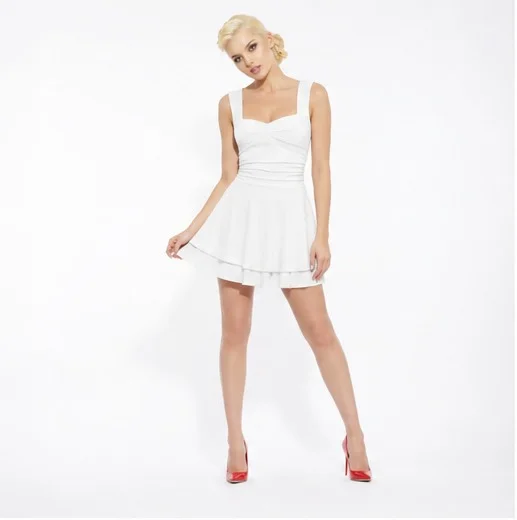
Online shopping has a missing step
Most clothing websites take you from product photo to checkout. The part in between—wondering how the piece might work on you—is usually left to your imagination. That is where a shortlist and a personal preview help.
Start with a small shortlist
Save the pieces that genuinely interest you while you browse. A shortlist is more useful than trying to remember every tab you opened. Keep the original product page with each item so you can return to the retailer when you are ready.
Use your own photo
A useful AI preview should keep your face, proportions and overall appearance consistent while changing the clothing reference. Treat the result as a styling aid, not a guarantee of fit, colour or fabric.
Compare before deciding
Generate several options together, then compare them side by side. You can keep the favourites, remove the weak options and ask a friend for a second opinion. The goal is a better decision, not a perfect prediction.
Try the workflow in Chrome
OuiOui lets you save clothing while you browse, create AI try-on Looks on your photo, and share a Lookbook for feedback. It is free to start and runs in desktop Chrome.